How I make 3D-printed relief maps.
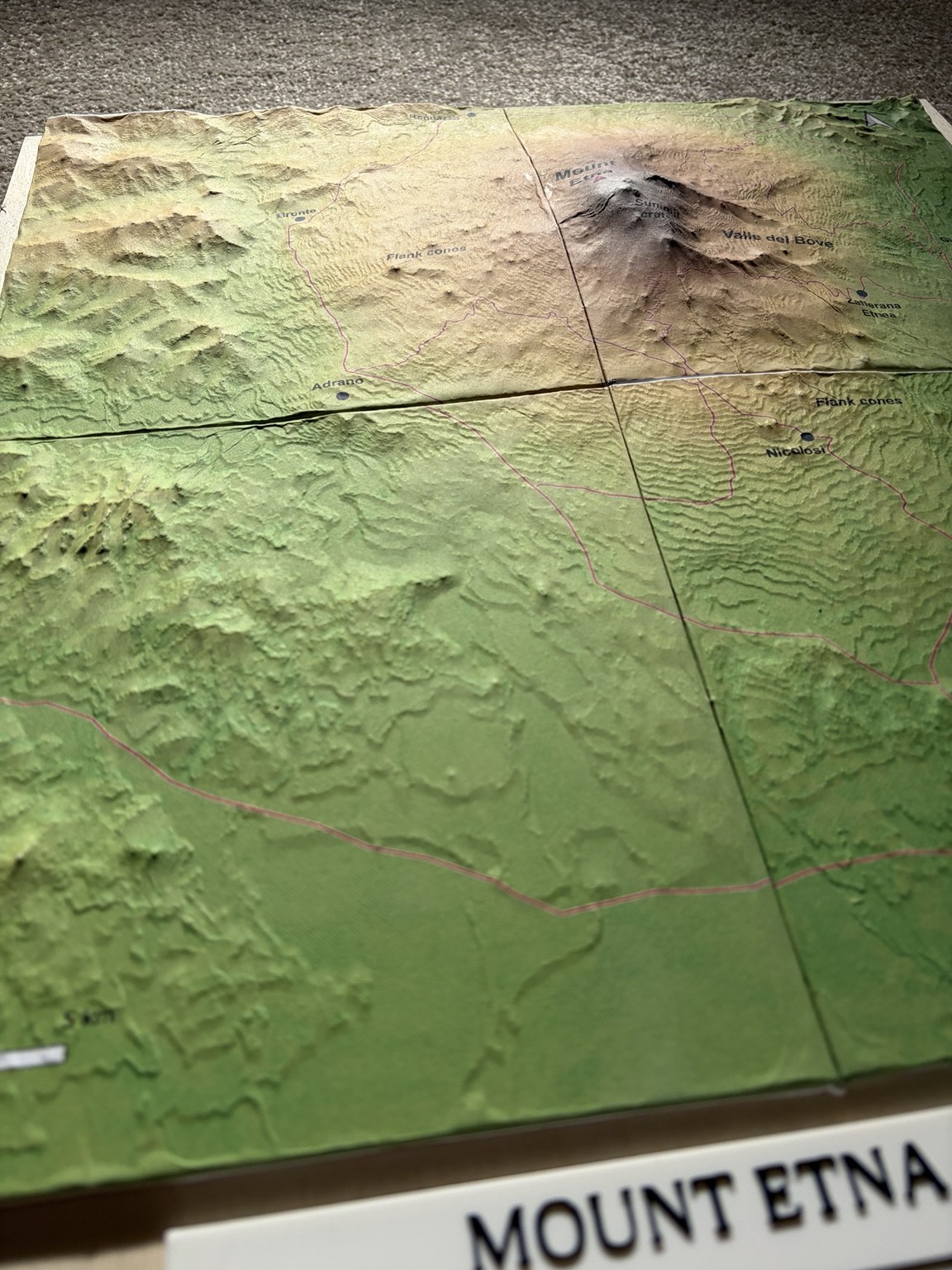
A 3D-printed relief map, covered with a printed paper map. This is how I made the Etna, Vesuvius and Þingvellir models.
The digital map and terrain are prepared together in QGIS. I made these models as physical geography resources to use alongside their interactive 3D maps. The practical challenge comes afterwards: aligning the paper with the printed relief and working it into the slopes without losing the map’s detail.
Prepare the map sheets.
I export the complete map as a PDF from QGIS Print Layout, then split it according to the dimensions of the terrain tiles. Each map tile has a 3 mm bleed allowance.
I print on 80 gsm A4 paper at 100% / Actual size. Before committing to the whole map, I make a test print and adjust the colours if needed: they can look quite different on paper from how they appear on screen.
I trim away some of the A4 sheet, but leave enough paper to wrap underneath the model. That gives me something to pull gently while fitting the paper over the relief, and helps conceal the white edges.
Let the PVA become tacky.
I apply undiluted PVA to the 3D model and leave it for about a minute, until it begins to feel tacky. I dab the paintbrush up and down over the surface, leaving a lightly stippled coating.
After carefully aligning the paper, I begin pressing it down lightly, usually working from a high point towards the flatter ground. At this stage I avoid pressing it firmly into the glue: I still need to be able to adjust its position.
Work it into the relief.
Once the paper is properly aligned and loosely shaped over the relief, I wrap a handkerchief around my finger and start pressing it into place, gently but firmly.
I make several passes, gradually working the paper into the slopes as it softens. This is the slowest and most hands-on part of the process.
I wrap the spare paper underneath the tile to help hold the covering snugly around the edges.
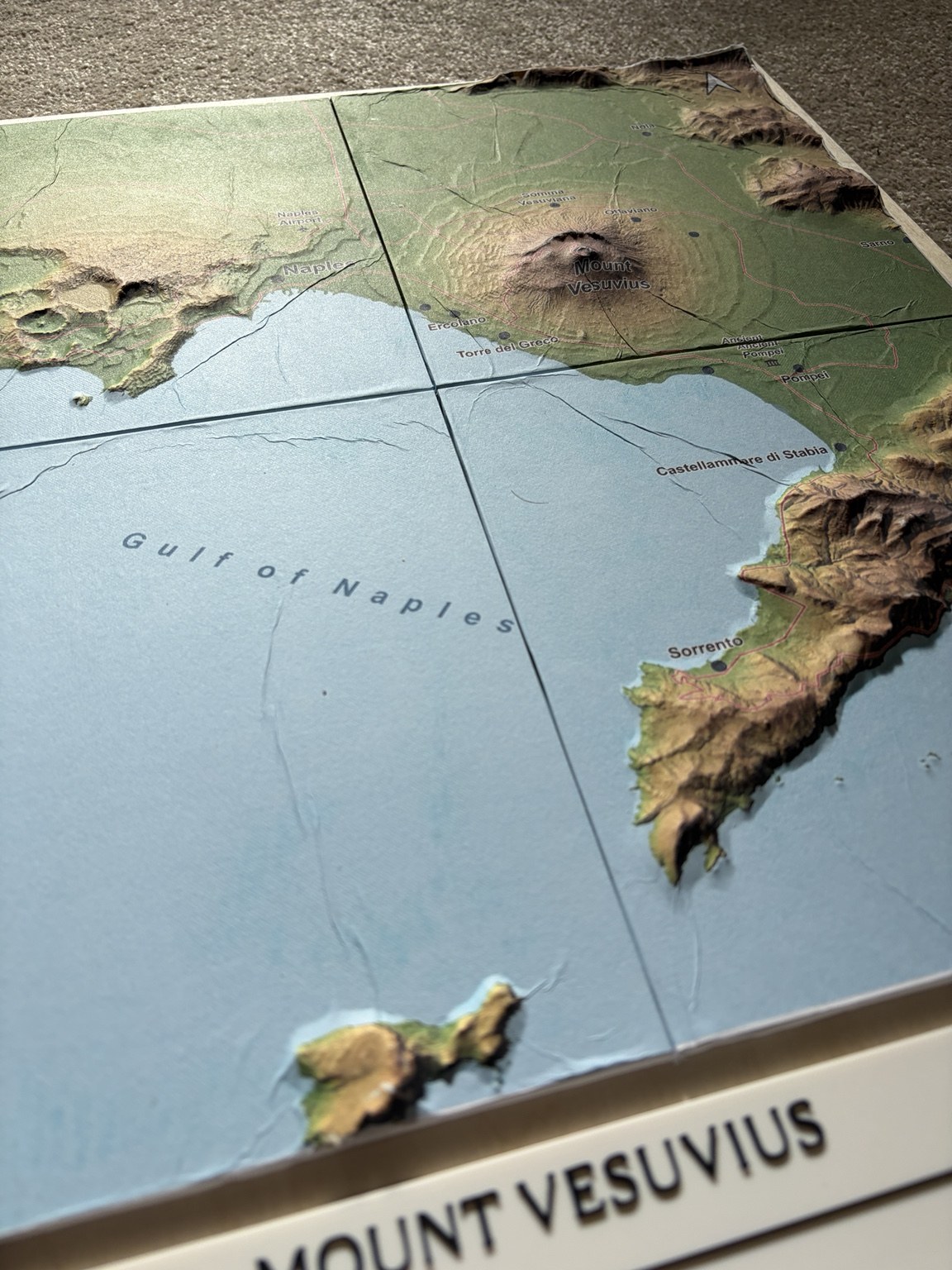
Flat paper cannot follow every curved surface without some creasing. The aim is a readable map that sits closely against the terrain. The bleed gives some allowance at the edges; it does not remove the distortion caused by shaping paper over relief.
Leave it to dry, then varnish.
I leave the paper-covered tiles for 24 hours before mounting them, so the covering has time to dry.
For the finish, I use two coats of Winsor & Newton General Purpose matt spray varnish, leaving an hour between coats.
I mount the covered tiles onto plywood using standard PVA wood glue. The paper is already fitted, wrapped underneath and dry before I attach the tiles to the board.
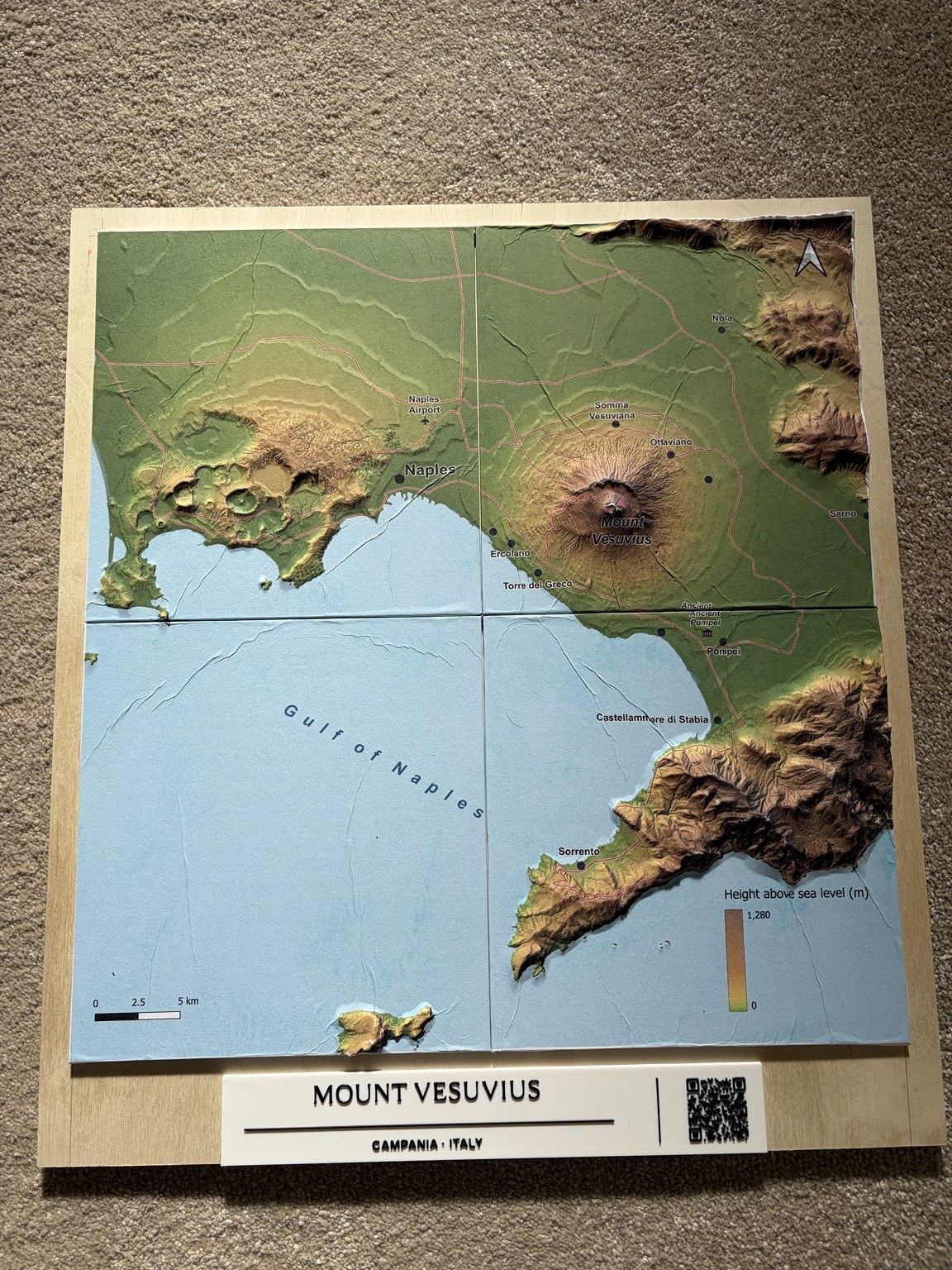
A title plaque and QR code sit below the terrain, linking the physical model to its interactive version.
These timings describe my own process. For a different glue or varnish, follow that product’s drying and recoating instructions.
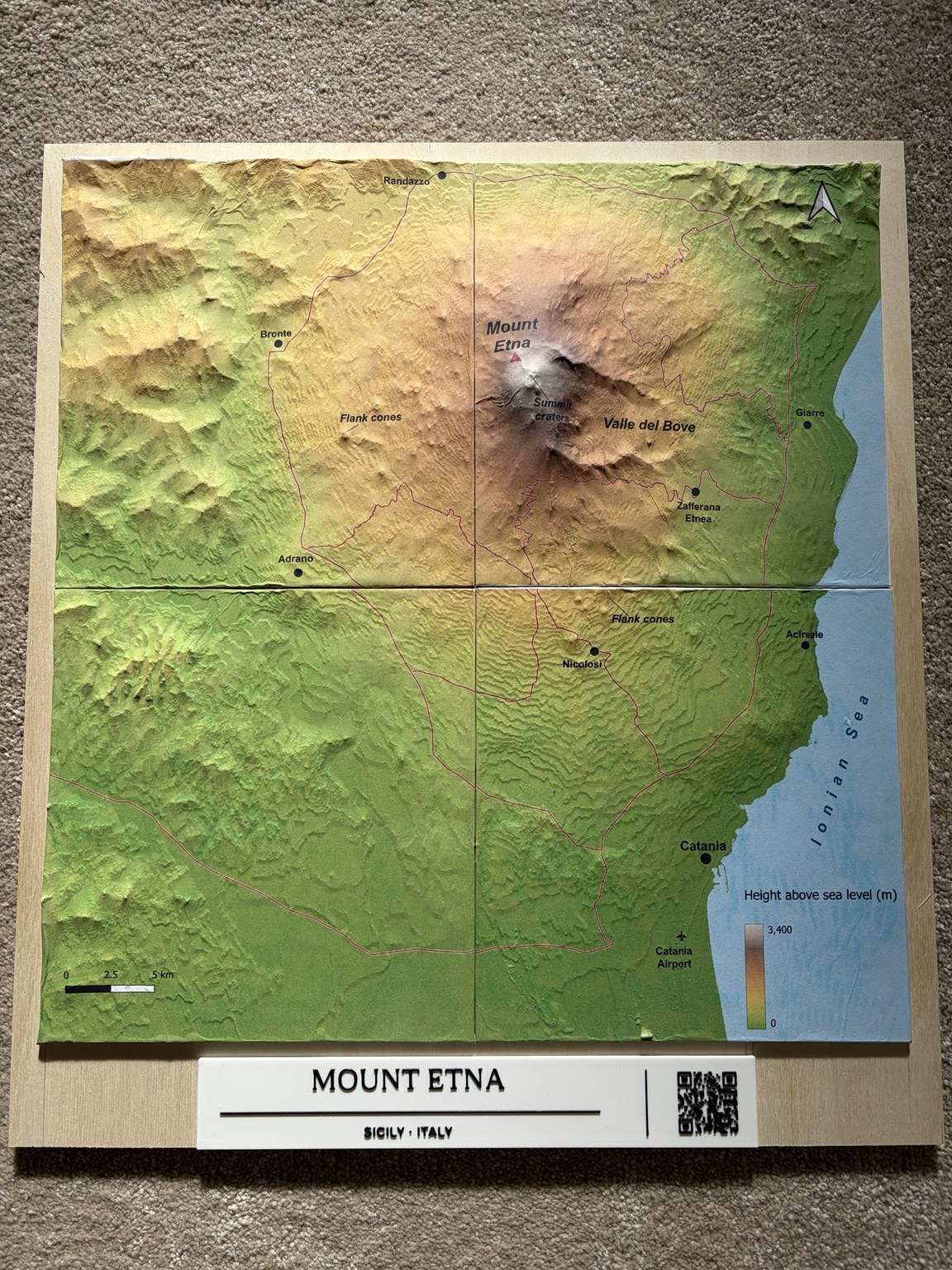
Three finished landscapes
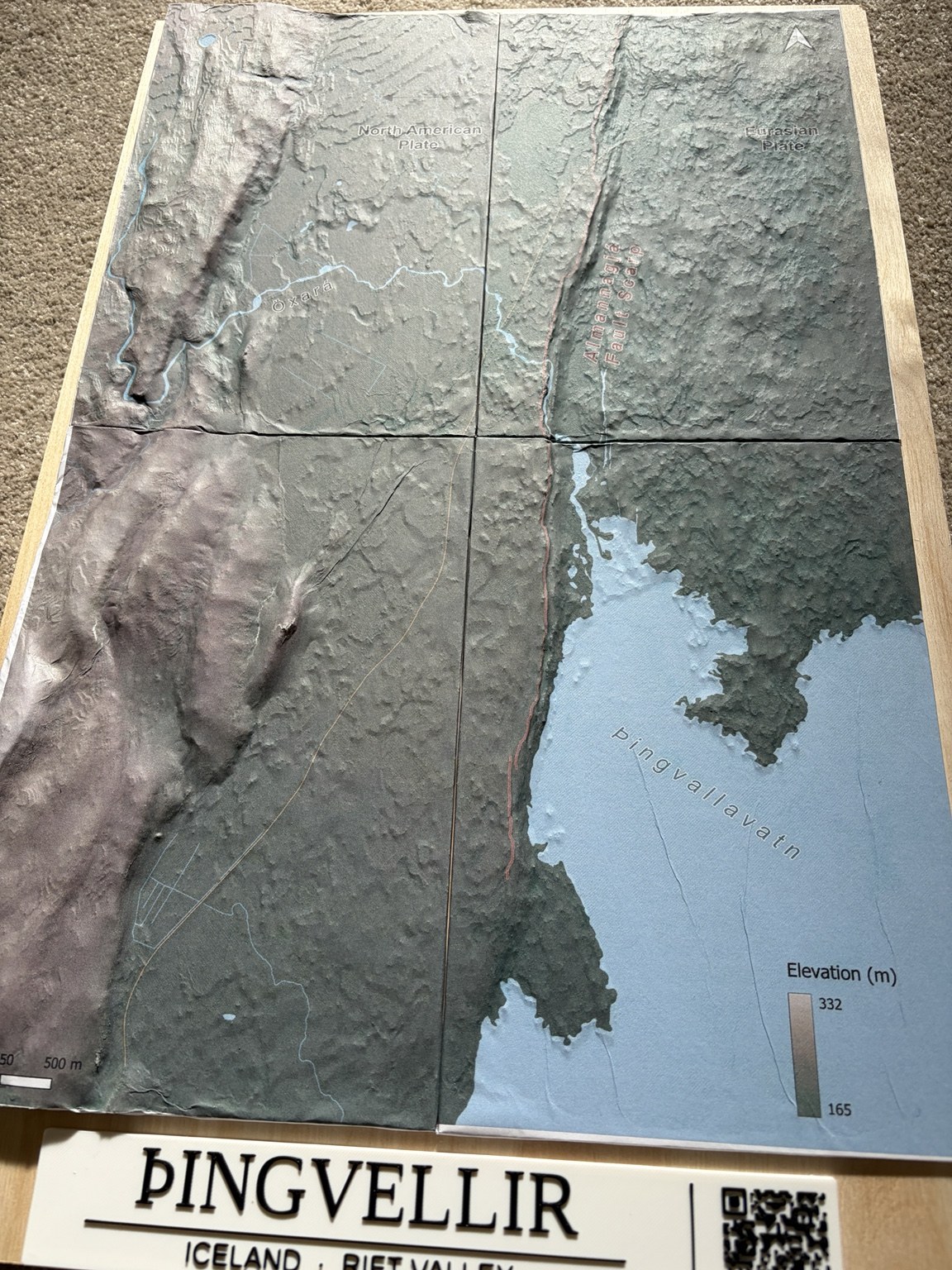
The same method was used for all three models. The close views above show the surface; these photographs show each complete piece.
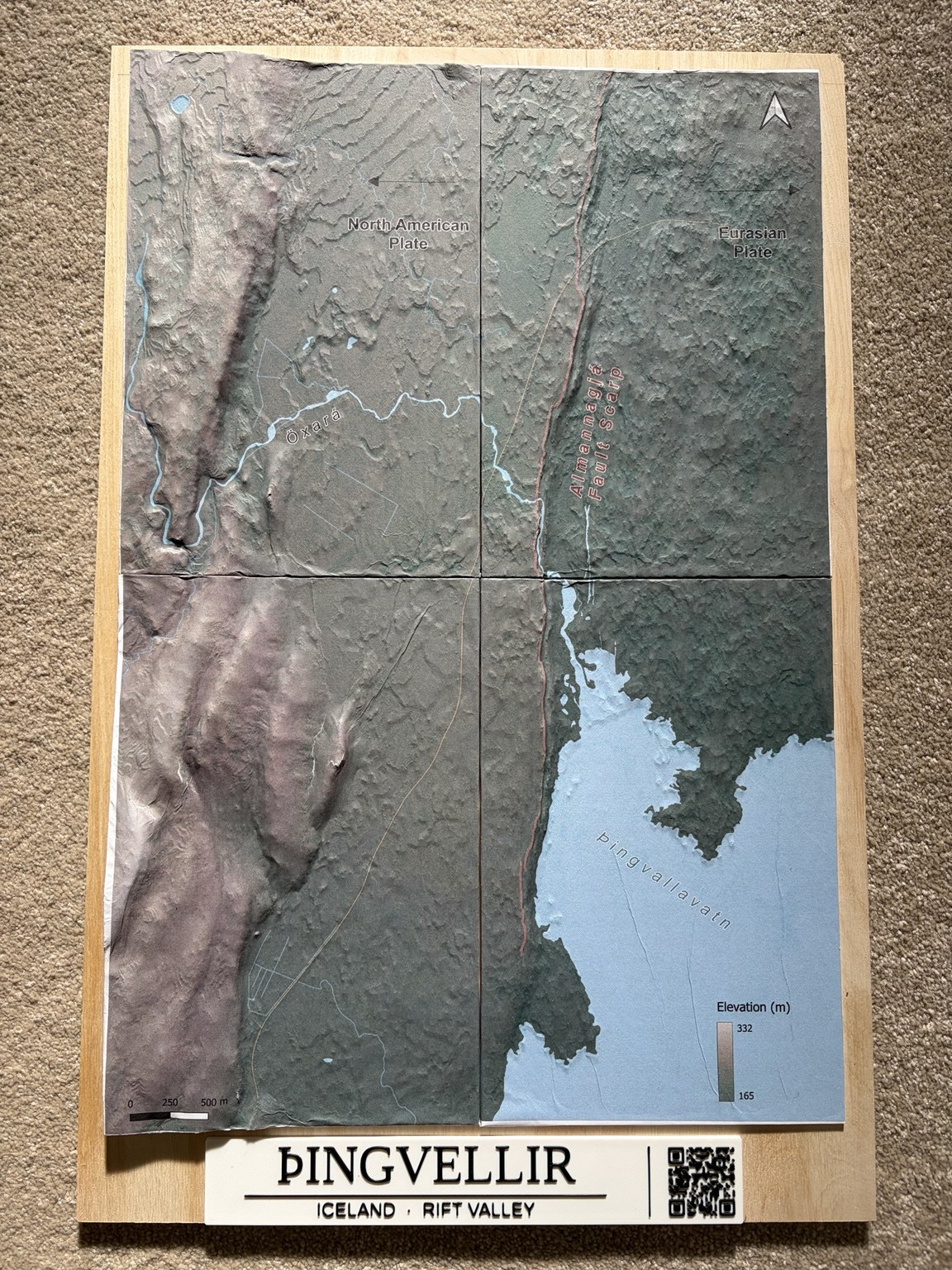
Models, map preparation and photographs: Mr Lane.